Frequently Asked Questions
Users can be reported via their public profile page, see first screenshot below.
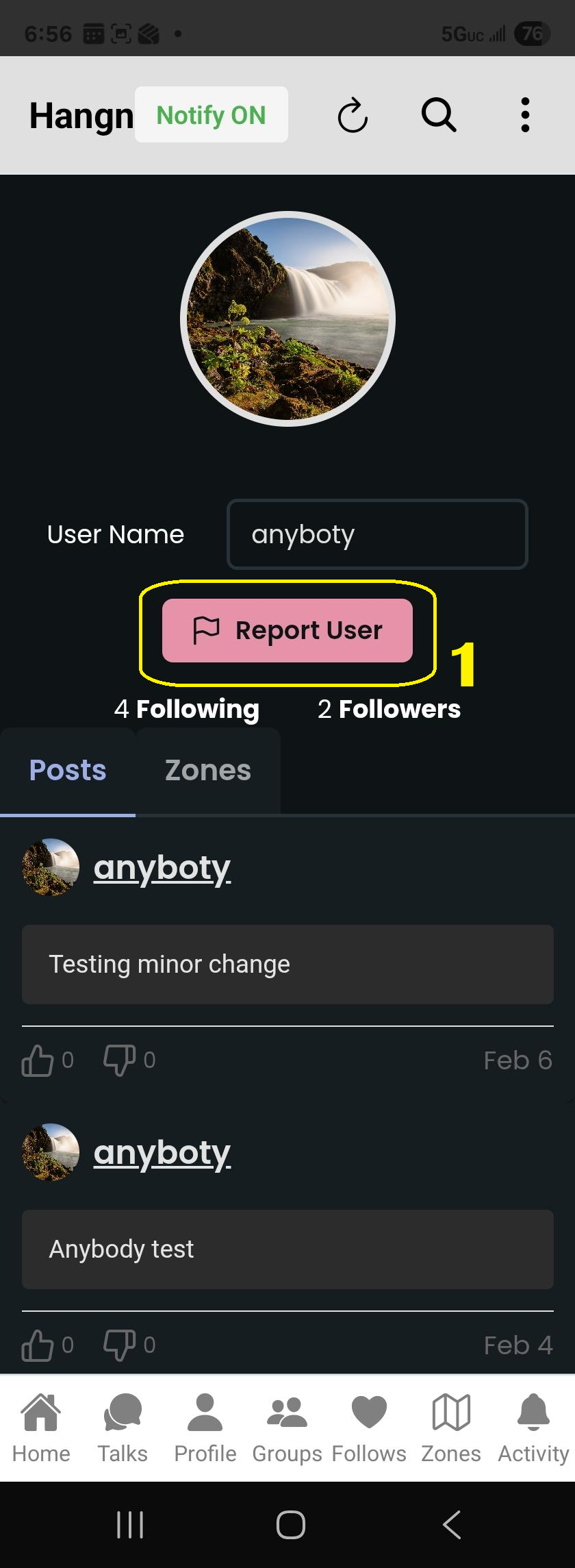
- 1 – Clicking on this button will report user to Hangn team.
- Allow for 24 hours for team to review the report before action is taken.
- Allow for 24 hours for team to review the report before action is taken.
There are a few ways to get to the public profile page, shown below.
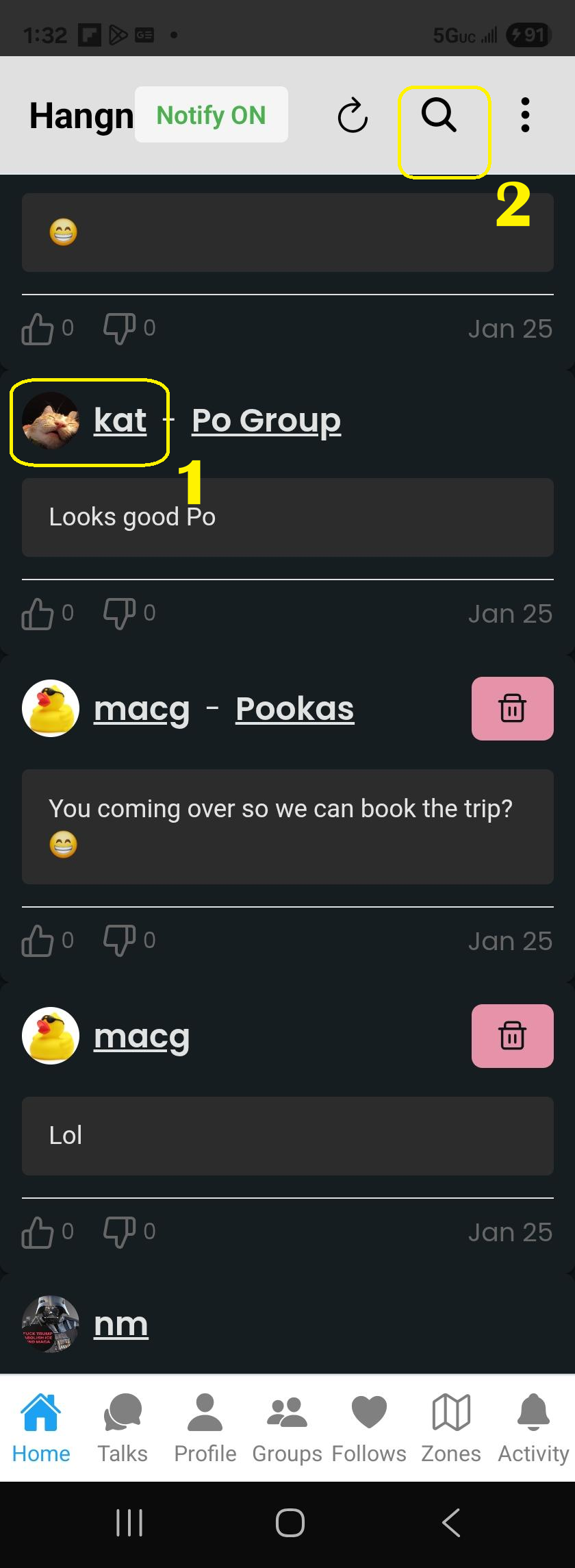
- 1 – On any post page, clicking on their user name takes you to their public profile page where you have a “report user” button.
- 2 – If you cant find the user post, Click on shortcut search user icon which takes you to search user page (See screenshot below).
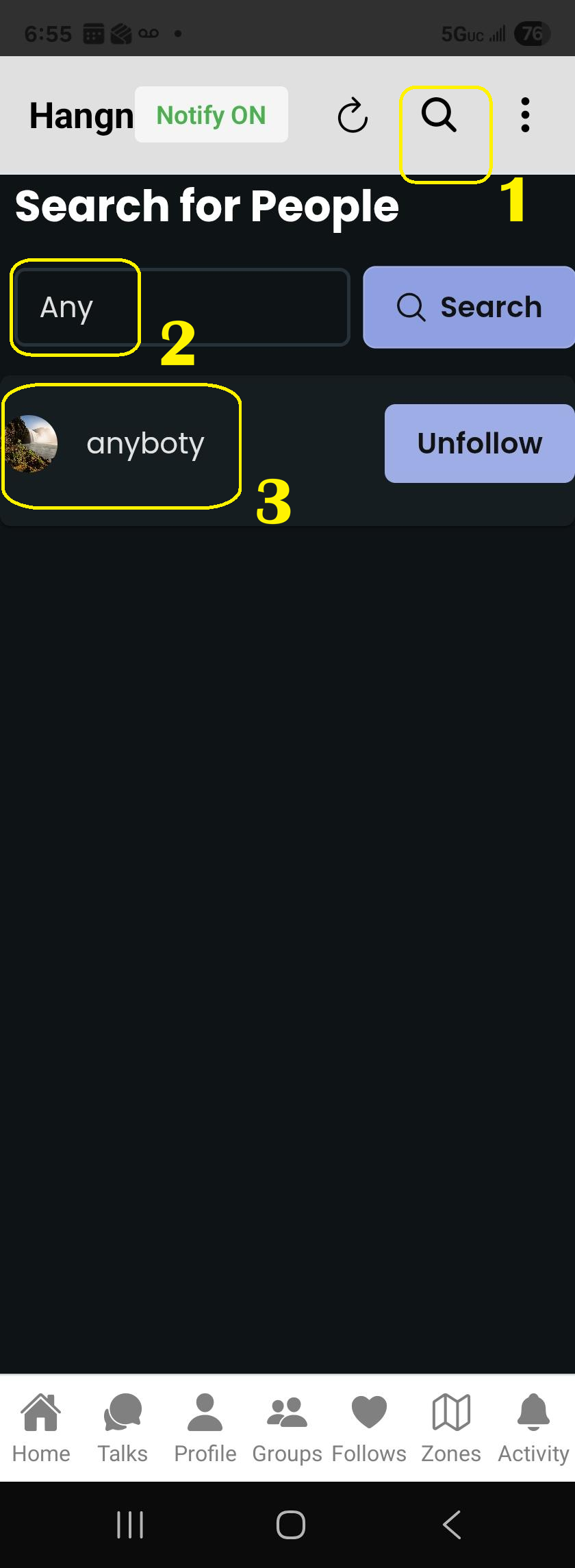
- 1 – Shortcut search user icon that takes you to this search user page.
- 2 – Type in user name or email and hit Enter or Click search.
- 3 – In the list below, click the user name to access their public profile page – to access “report user” button.
Public zone location notifications are received by users who are following you or group members with you. Public zones do not need to be part of group to have group members receive the location notifications.
Private zone location notifications are received only by group members of a group where you added the zone to the group as well.
For Apple, make sure you have allowed location permission of “Always“.
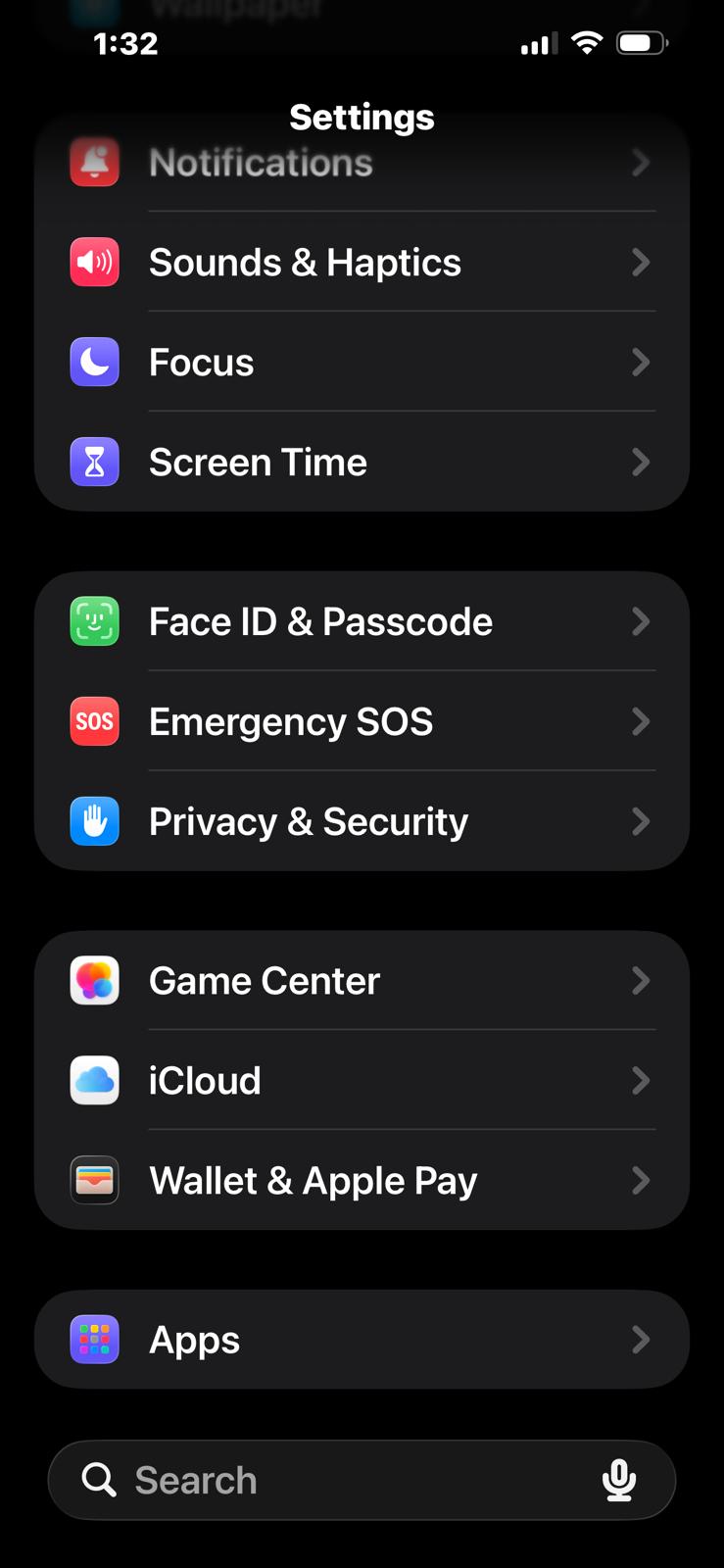
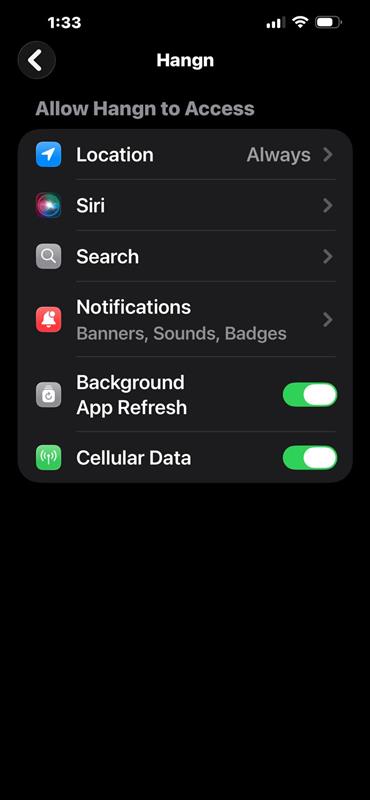
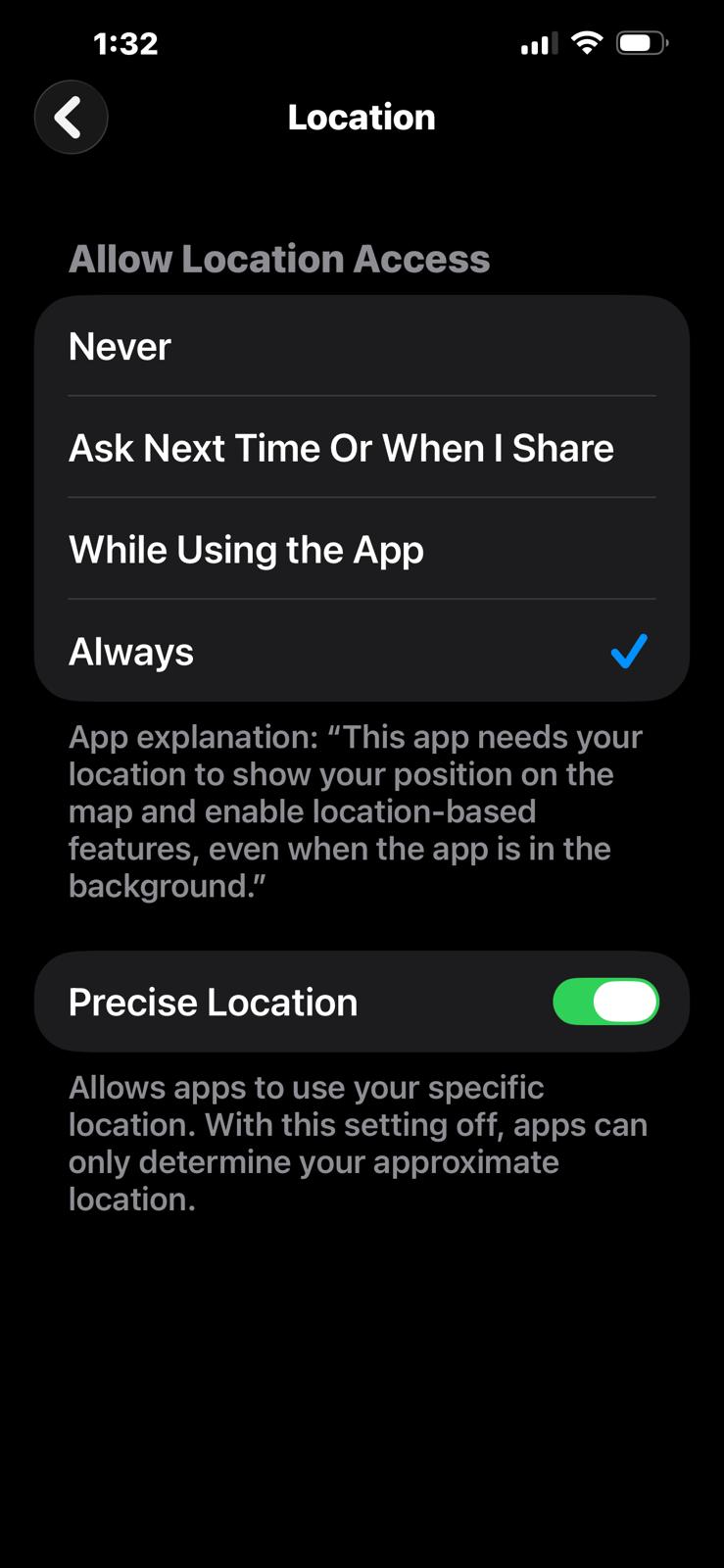
For Android, make sure you have allowed location permission of “Allow all the time“.
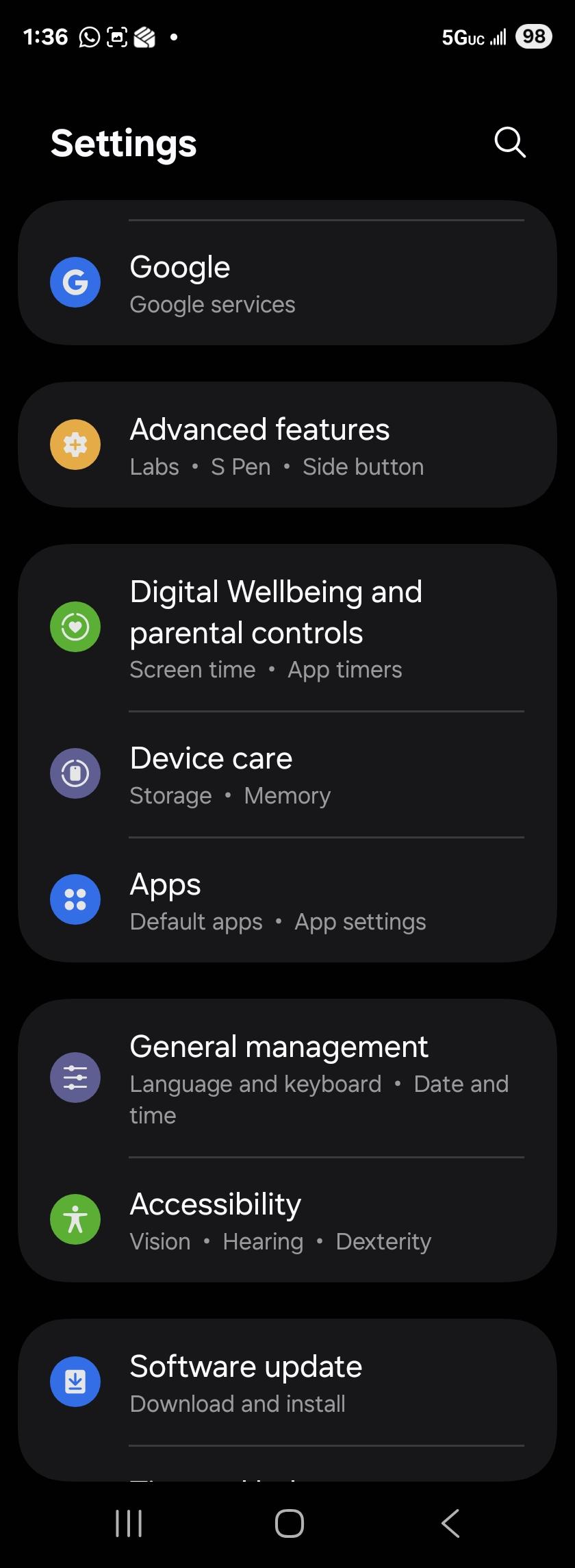
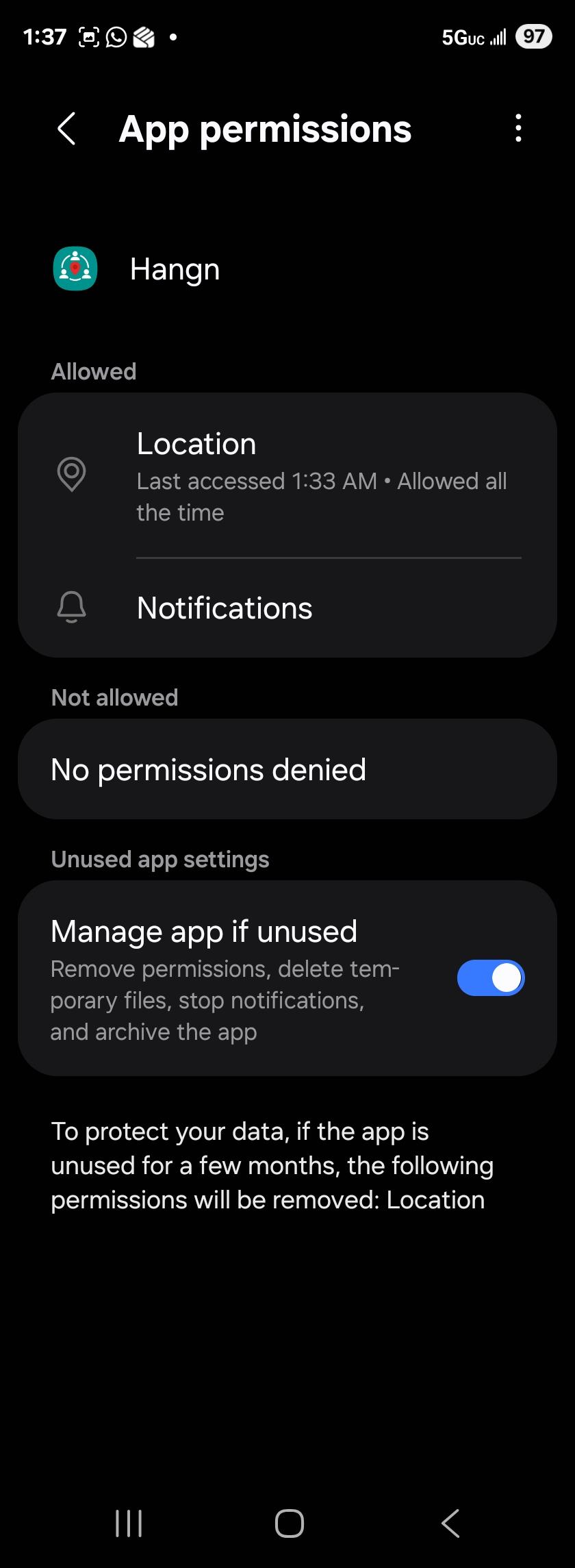
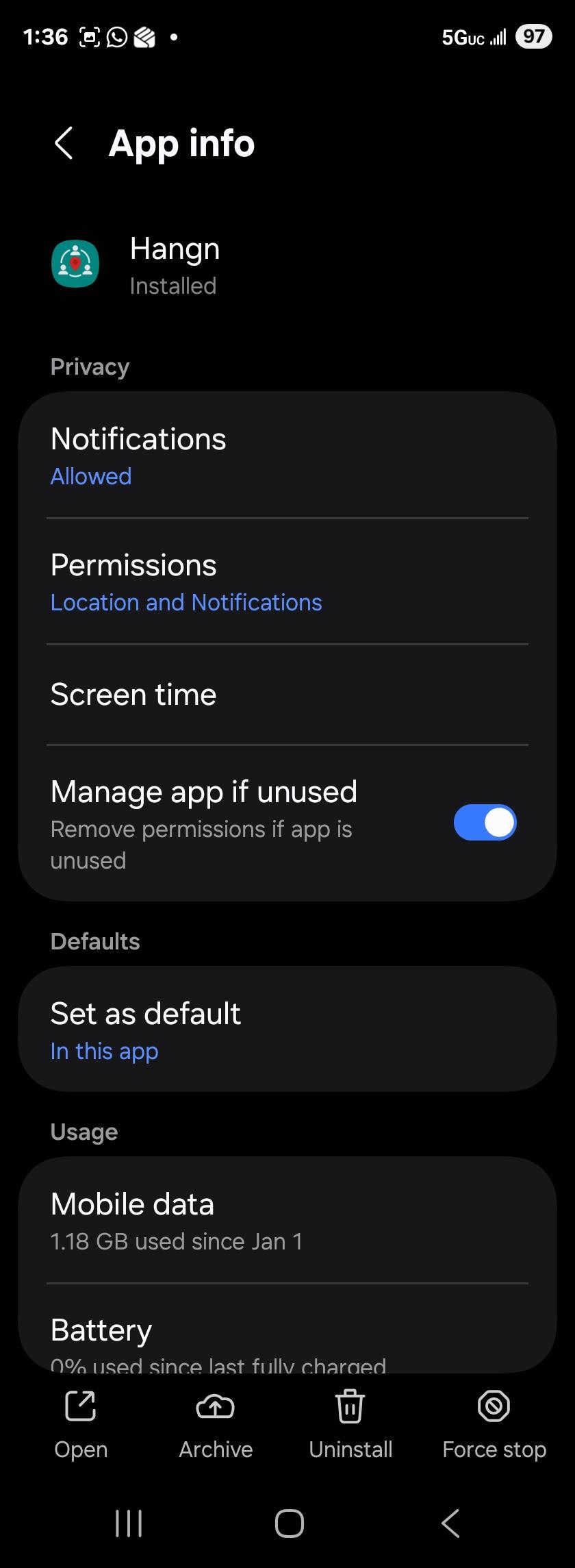
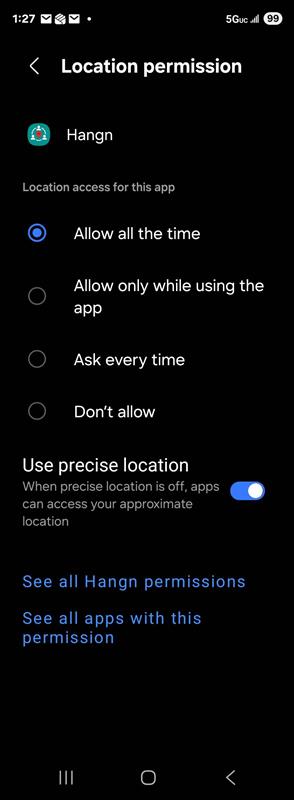
Hangn periodically polls the application for current location in order to determine if a zone has been entered in order to notify interested parties. It does not store these locations, they are discarded after they are compared with zones to see if a notification needs to be sent out.
No.
Even though Hangn polls for your location on a reoccuring schedule, it uses your location to determine if you entered a zone in order to notify interested parties and discards the location. Hangn never stores the location data.
No.
Hangn stores a hash of your password. It takes the password you created your account with and creates a one-way encryption (which cannot be reversed) and stores that. In other words, if Hangn was hacked, your password is not visible nor retrievable .
No.
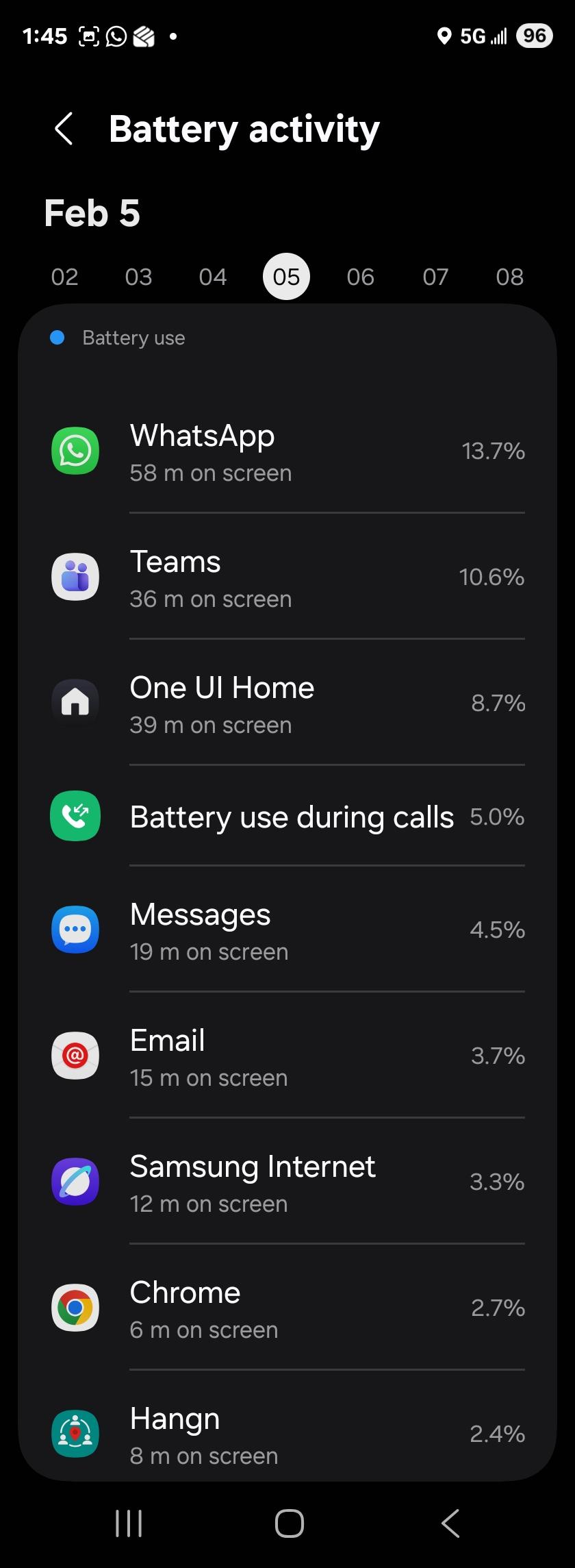
Hangn will actually use less battery than email depending on your email usage. Based on testing the location polling period has been specifically tailored to not drain battery.
This is snapshot of one full day usage of Hangn.
Hangn provides an easy way to delete all your data from our servers. Data deleted includes user, post, group, activity, notification, etc, data.
VERY IMPORTANT: Once this function is processed, data is unrecoverable, so be sure!
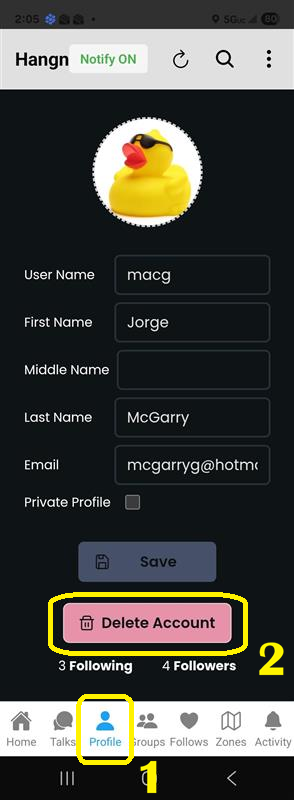
- 1 – Access Profile Menu to find the “Delete Account” button.
- 2 – Click on “Delete Account” under your profile.